

Reference patterns
When a field contains exactly one reference, the value keeps its original type (object, list, number). When a reference sits inside other text, like
Hello {{node-1.user.name}}!, it is converted to a string.
Dragging references
The easiest way to build a reference is to not type it at all:1
Produce some output
Run the upstream node once (or give it a mocked output).
2
Open its Output panel
Select the upstream node and click Output (
Y) in the config panel.3
Drag a value
Grab any value in the output and drop it onto a config field. The correct reference is inserted as a chip.
Dragging a value from a node's output into a downstream config field.
{{ in any text field to get autocomplete suggestions built from the connected nodes’ actual output.
Inline expressions
When you need to transform a value, not just read it, write a JavaScript expression inside{{ }} using $-accessors. The expression runs in a sandbox at execution time and its result is substituted into the field. No separate code node needed for basic string or number work.
Because it’s JavaScript, you get the full language:
$if(condition, a, b) and $ifEmpty(value, fallback).
When the whole field is a single expression, the result keeps its type (number, list, object). When an expression sits inside other text, the result is converted to a string, the same rule as plain references.
The easiest way to build one is to drag a value from a node’s Output panel into a field, which inserts the $('node-1').field form, then add your transform (.split(","), * 2, …). While the field holds an expression, a live preview under it shows the computed result against the connected nodes’ latest output, and one-click chips insert the available accessors.
Plain references like
{{node-1.message}} keep working exactly as before. An expression is only evaluated when the {{ }} uses a $-accessor, so literal {{name}} placeholders meant for a downstream system still pass through untouched.When a reference resolves to nothing
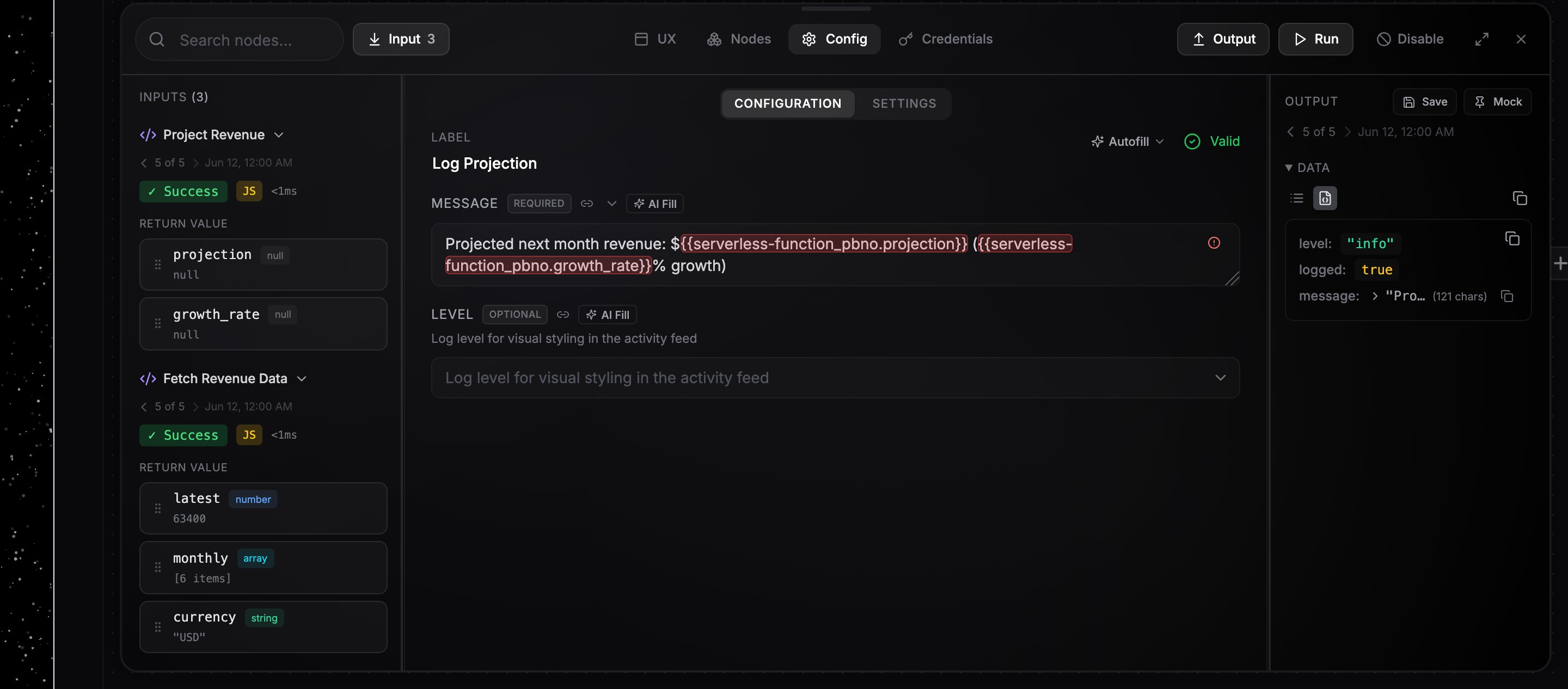
A reference that fills a whole field can come back with no value, usually because the key does not exist on that node’s output, or exists and holds null. What happens next depends on the field:- A required field fails the step. The error names the field, the reference, and what the referenced node’s output really holds, for example
Required field 'to' is emptyfollowed by the note that the node has no key of that name and the list of its top-level keys. A key that is present but null is reported as null instead, since that is a different problem. - An optional field keeps its default and the run continues. An empty optional field is a normal way to say “leave this out”.
Hi {{ $('user').name }}!, still splices in an empty string, as it always has.
On a manual run, a trigger that waits for events has no event to read, so a reference into it resolves to nothing. The error says so and points you at firing the workflow for real to test that path. See Running and testing.
Common mistake: .output. in the path
References navigate the node’s output directly, so do not insert an output segment:
Common mistake: accessors from another tool
Expressions copied from another automation tool often use accessors NoClick does not have. They pass the editor’s syntax check and then fail at run time, so it is worth recognizing them:$input, $node[...], $items(...), .itemMatching(...), $prevNode, $execution, $workflow, $parameter, and $binary do not exist here either. The accessors NoClick supports are the ones in the table above, plus $if and $ifEmpty.
When the AI builder or an MCP client writes one of these into a field, the write is rejected and the message shows the NoClick form instead.