

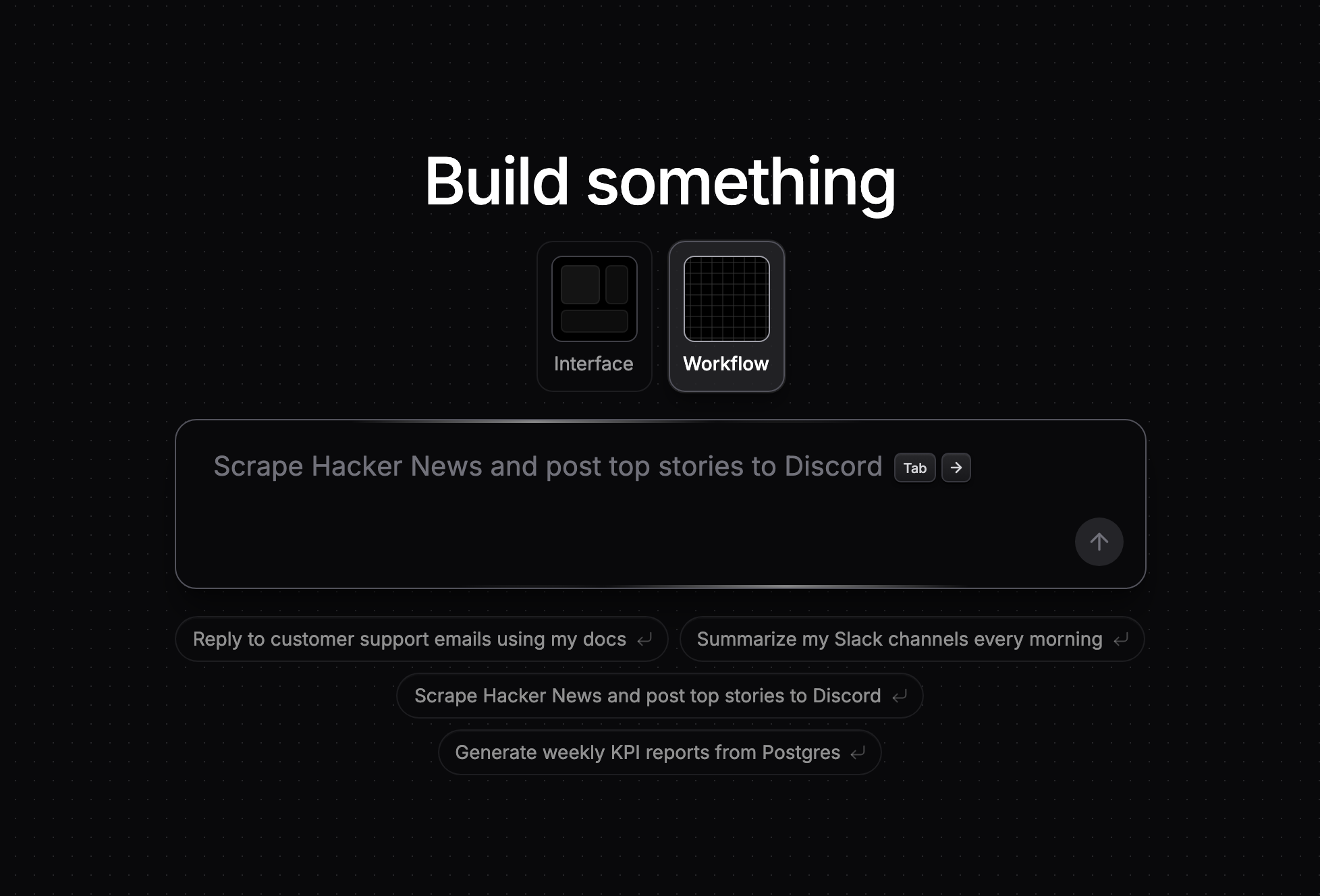
Every workflow starts here: describe what you want to build.
What you can build
- Automations that run on a schedule, a webhook, a form submission, an inbound email, or an event in a connected app.
- AI agents that use your integrations as tools, hold threaded conversations on Slack, Telegram, WhatsApp, or email, and wake themselves up on a schedule.
- Internal tools and apps with forms, tables, media, and custom React components, published to your own noclick.app subdomain.
- MCP servers that expose a workflow’s tools to Claude, ChatGPT, or any MCP client.
How building works
- Describe it. Tell the AI builder what you want. It adds the nodes, wires them, and fills in the configuration, asking you only when it needs an account or a value only you know.
- Refine it. Adjust anything on the canvas: pick operations, connect accounts, reference data between nodes, and test nodes one at a time.
- Run it. Trigger runs manually or automatically, then inspect every run in the logs with full replay.
- Share it. Publish an app, invite collaborators to edit live, or share the workflow as a template.
Start here
Build your first workflow
Describe an automation in the chat and run it, in about 5 minutes.
Publish your first app
Turn a workflow into a web app and publish it to your own noclick.app subdomain.
Explore
Features
The AI builder, the workflow editor, triggers, logic nodes, agents, and apps.
Integrations
Browse the ~60 services NoClick connects to and what each node can do.
MCP
Control NoClick from Claude Code, Cursor, or any MCP client, and host your own MCP servers.
SDK
Run workflows from your own code with the TypeScript and Python SDKs.
Tips & Tricks
Prompting guidance and troubleshooting for runs, webhooks, and credentials.
Changelog
What shipped, day by day.