

I) in the canvas top bar, next to the Workflow tab (shortcut W).
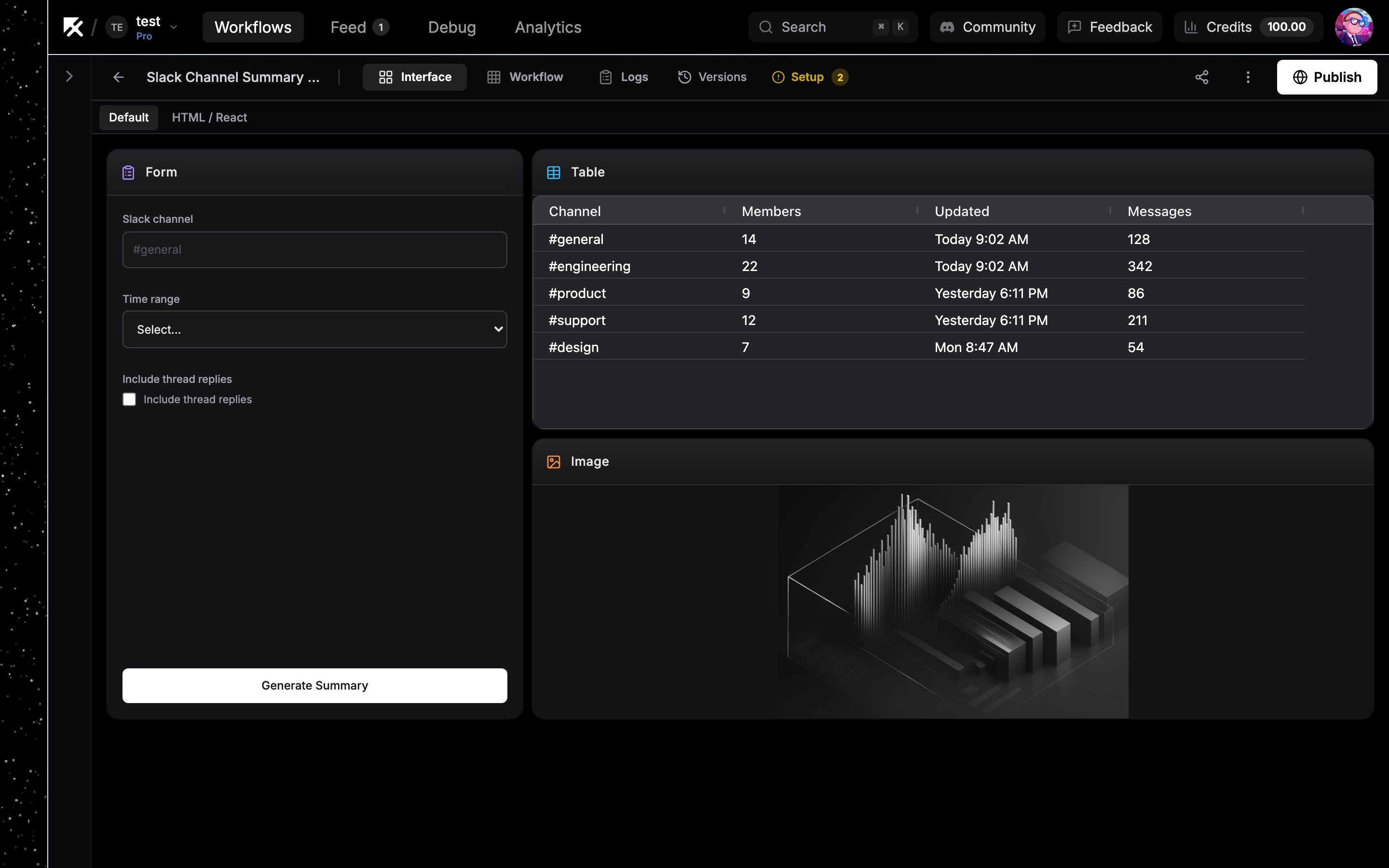
The Interface tab: blocks arranged on the grid
Blocks are interface nodes
The Interface tab and the canvas are two views of the same thing. Every block on the grid is an interface node on the workflow canvas:- Dropping a block onto the grid creates the matching node on the canvas.
- Deleting a block removes its node, and deleting the node removes the block.
- Connecting workflow nodes into an interface node feeds the block data. A Multimedia block wired to an image generation node shows the generated image after a run.
The grid
Blocks sit on a free-form grid. Drag a block to move it, drag its edges to resize it, and the grid prevents overlaps by pushing neighbors out of the way. On narrow screens the grid reflows to fewer columns so blocks wrap instead of shrinking.Fullscreen blocks and tabs
Some blocks take over the whole view instead of sitting on the grid:- HTML / React blocks are fullscreen by default. Set the block’s Fullscreen option to No to place it on the grid instead.
- Agent Chat blocks (an agent node with Show in Interface enabled) are always fullscreen.
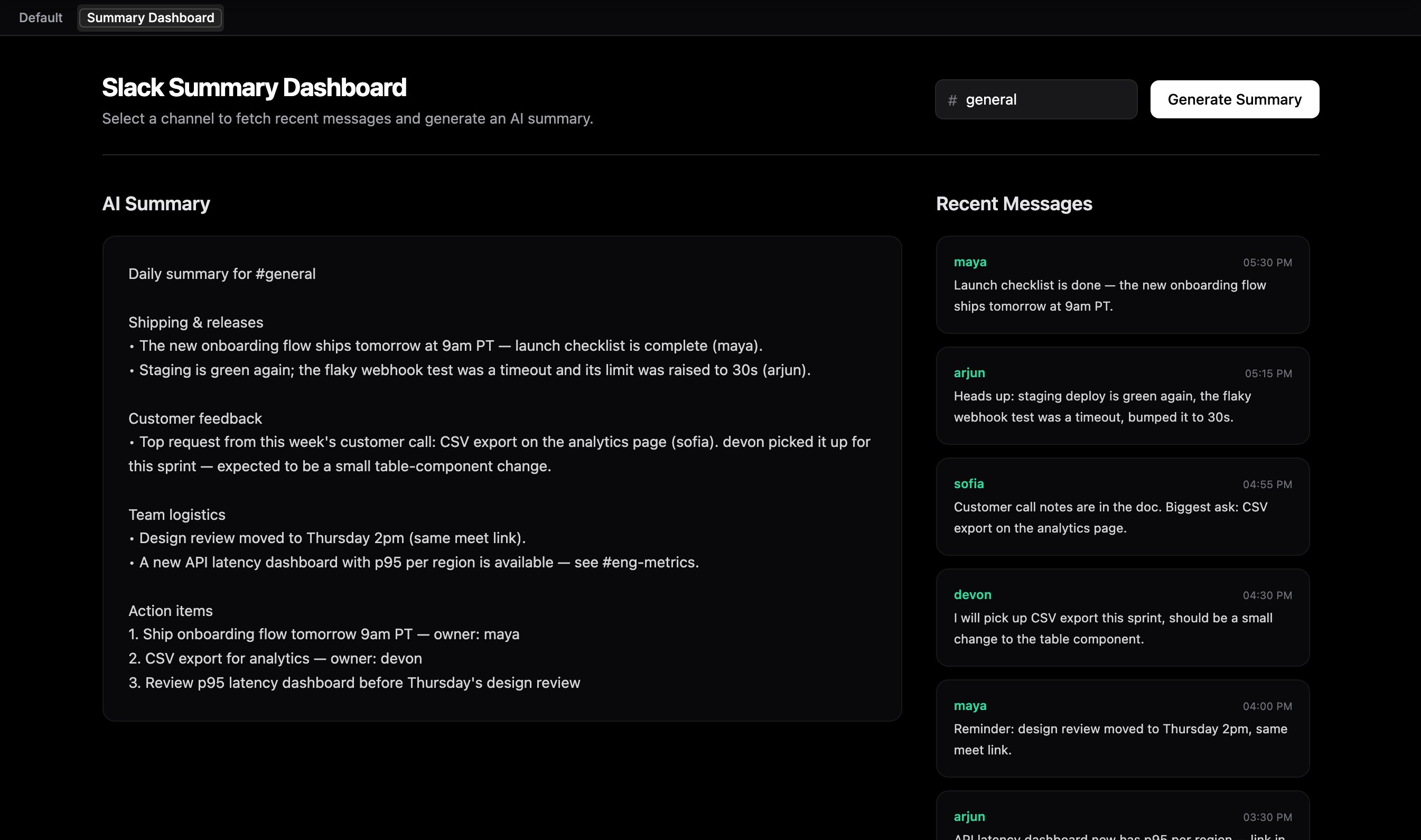
A fullscreen custom component with the sub-tab bar across the top
Next steps
Interface blocks
Reference for every block type and its configuration.
Custom components
Build fully custom React UIs with the HTML / React block.
Publish to the web
Put your app on a public noclick.app subdomain.
Build an app with AI
Let the AI builder generate the interface for you.