

- HTML: raw HTML rendered as-is.
- JSX / React: a full React component. JSX is transpiled automatically, Tailwind CSS classes work out of the box, and npm packages resolve via esm.sh imports.
@noclick/sdk available, so they can execute the workflow, read node outputs, and react to run results. This is how dashboards, custom forms, and complete app frontends are built on NoClick; the AI builder typically writes these components for you when you describe the app you want.
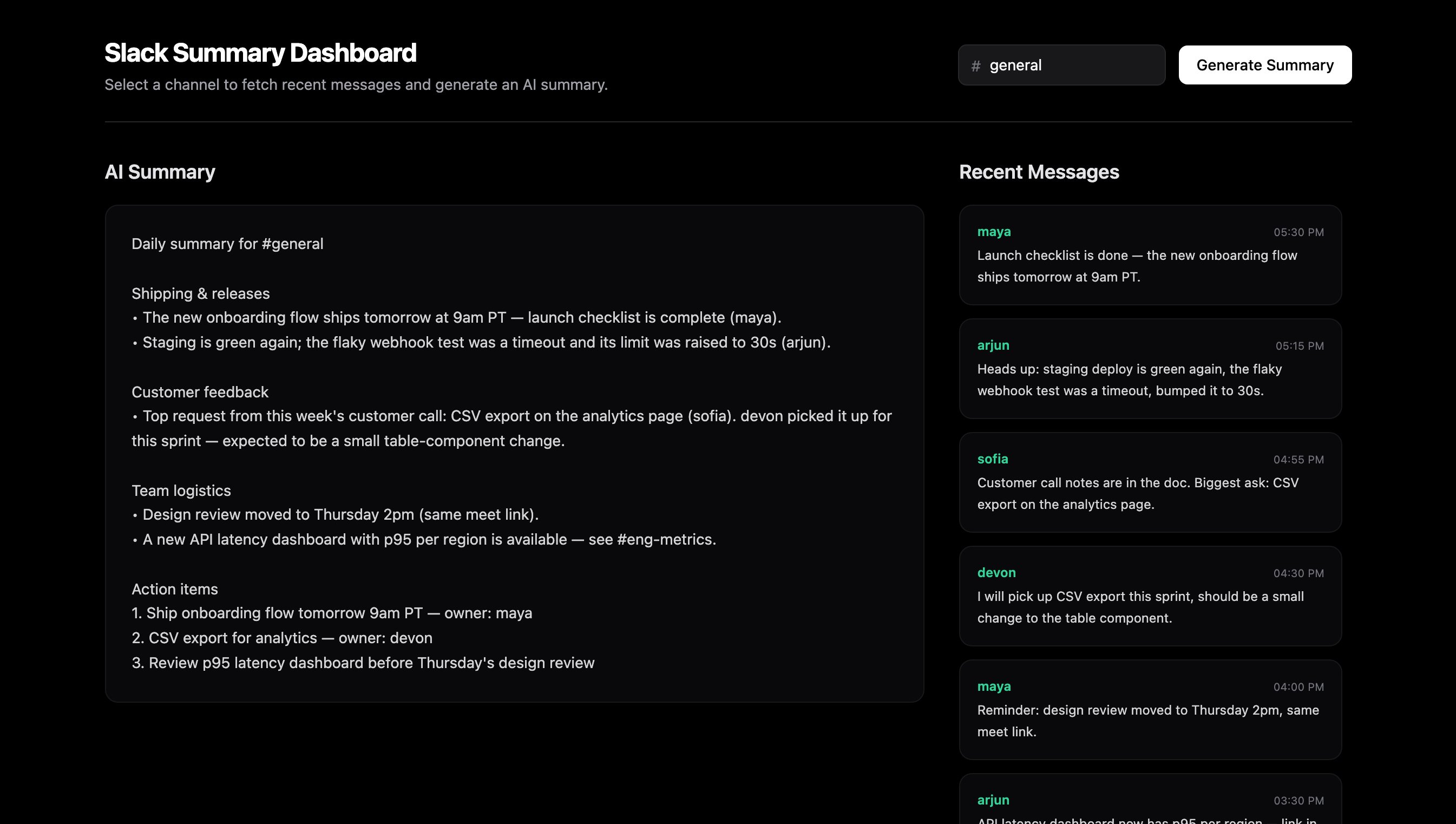
A custom React component rendered fullscreen in the Interface tab