

workflow.execute() passes the inputs programmatically.
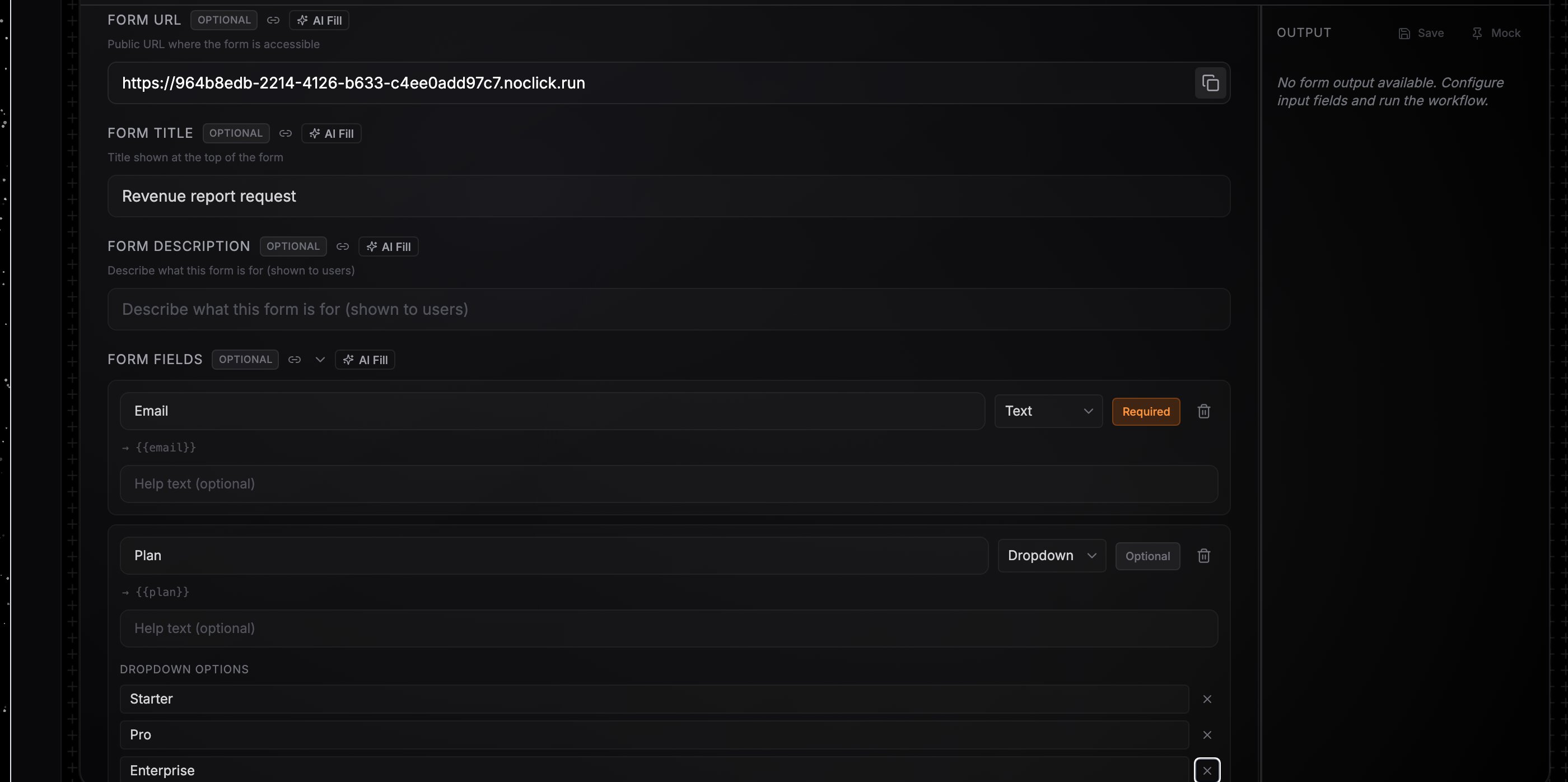
A Form node with fields defined and the public Form URL
Define the form
1
Add a Form node
Add the Form block from the Interface tab (or the Form node on the canvas) and connect it to your first downstream node. Optionally set a Form Title and Form Description; both appear at the top of the hosted form.
2
Add fields
Each field has a name (the identifier used in references), a type, an optional label and description, and a required flag. Supported types:
string, number, boolean, object, array, select (with an options list), credential, and file.3
Share the Form URL
Copy the Form URL — the Copy link button on the form block or the copy button in the config panel — and share it. Each submission starts one run, and the submitter sees a confirmation page.
Reference the values downstream
Submitted values appear on the form node’s output keyed by field name. Reference them as{{node-id.fieldName}}: a field named email on a node with ID form-1 is {{form-1.email}}. Dragging from the node’s output panel into a downstream config field builds the reference for you. See Data references.
Persistent values
The form is also a central value store: values you edit in the form block are saved with the workflow and output on every run — no submission needed — so a form doubles as a settings panel feeding downstream nodes. Field default values apply when nothing has been stored yet, andschedule/list field types are available for settings-style forms. The legacy {{node-id.values.fieldName}} reference style also resolves.
Runs started from the public form show the trigger source
Form in the Logs tab. Disabling the node takes the form offline; visitors see a “currently disabled” message instead.