

/ anywhere in the dashboard to open it.
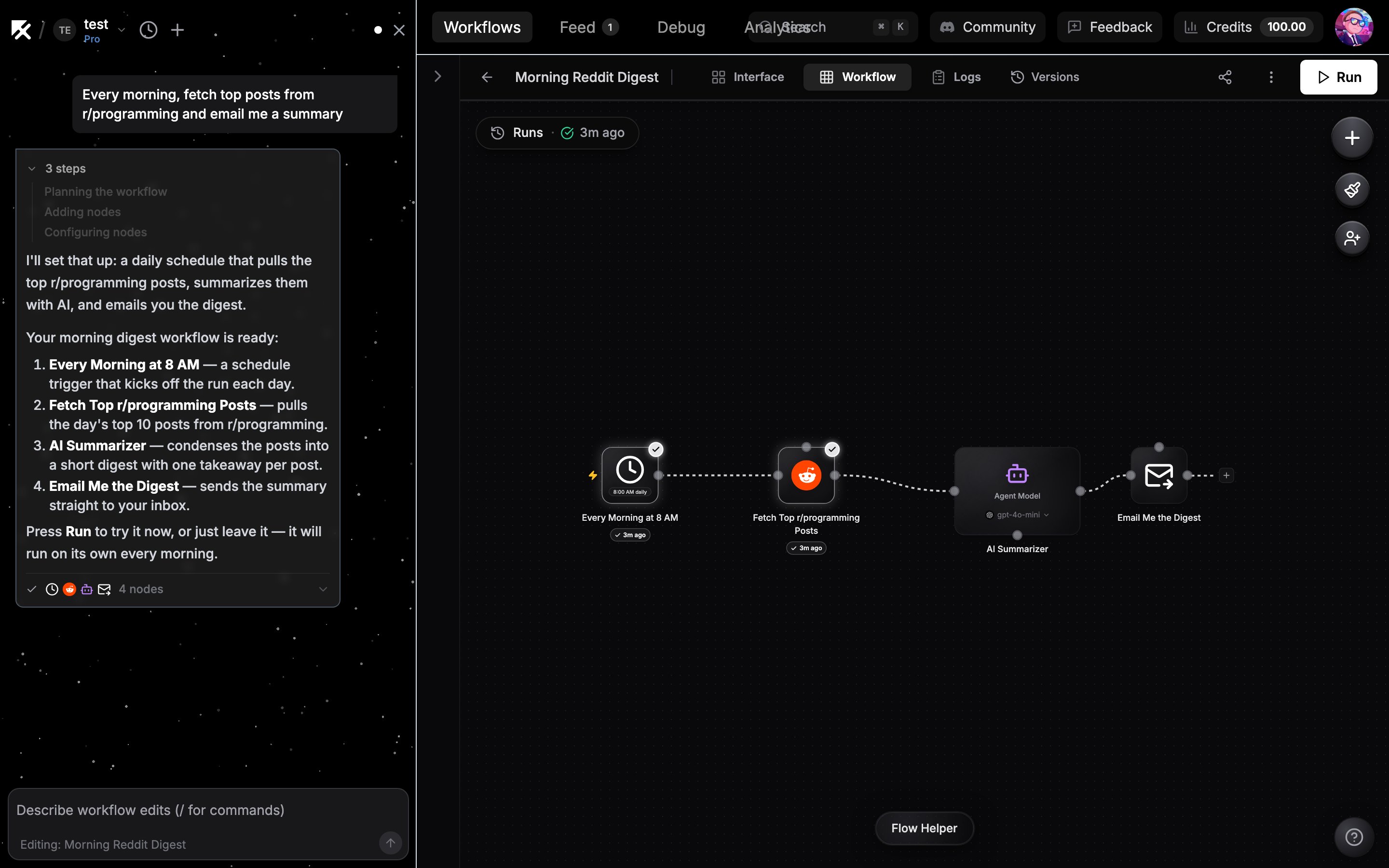
The AI builder assembling a workflow in the chat sidebar
Describe what you want
Type the outcome you are after, for example:- “Reply to customer support emails using my docs”
- “Summarize my Slack channels every morning”
- “Scrape Hacker News and post top stories to Discord”
- “Generate weekly KPI reports from Postgres”
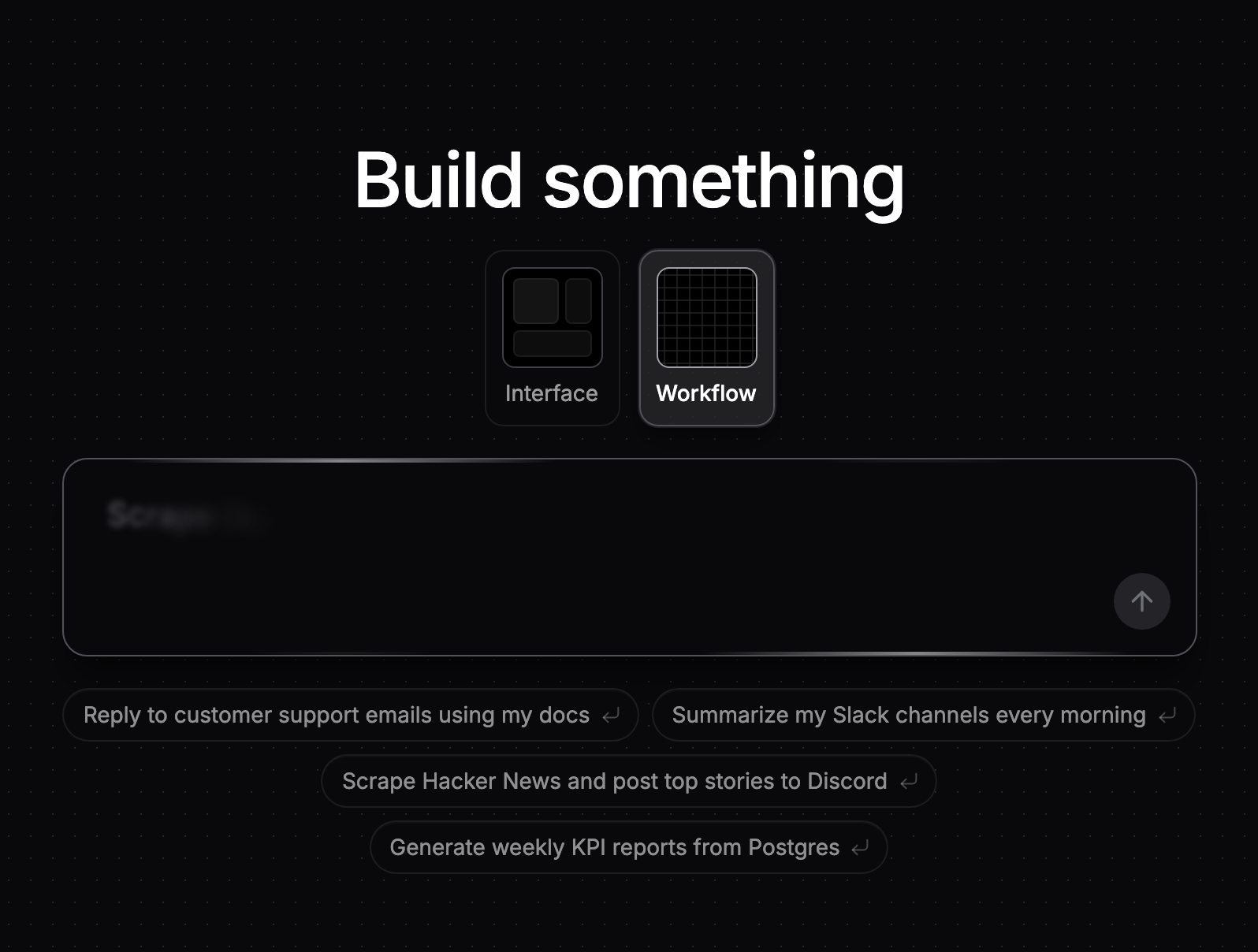
The prompt box on an empty canvas
What the builder does
From one request, the builder:- Adds the right nodes and wires them together
- Picks each node’s operation and fills in its configuration
- Attaches your credentials when the choice is unambiguous (if you have exactly one matching connected account, it is attached automatically)
- Pauses and asks you when it needs something only you can provide, like connecting an account or picking a specific spreadsheet (see When the builder asks)
- Checks each node’s configuration against what a run accepts before reporting the workflow as finished, and repairs what it finds
- Looks things up for itself while it builds. If you paste an API URL or a sample payload, it can fetch the URL and inspect the real response rather than wiring a node blind. It has no access to your connected accounts while it does this
- Reports a build as finished only when it confirms completion itself. A run that stops early or reaches its turn limit ends as incomplete and says so, and any changes it already made to the canvas stay
Adding context to your message
You can paste content directly into the chat input:- Pasted images attach inline (useful for sketches or reference screenshots)
- Long pasted text (more than 10 lines) collapses into a compact tag so it does not flood the input
- With a workflow open, drag a field from a node’s output into the chat to reference that exact value in your request
Next steps
When the builder asks
Credential and input questions, and how to answer them.
Editing with the builder
Iterate on an existing workflow in plain language.
Skills
Reusable context the builder loads automatically.
Models and credits
What powers the builder and what it costs.