> ## Documentation Index
> Fetch the complete documentation index at: https://docs.noclick.com/llms.txt
> Use this file to discover all available pages before exploring further.
# Welcome to NoClick
> Build internal tools, UIs, AI agents, and automations by describing them or assembling them visually.
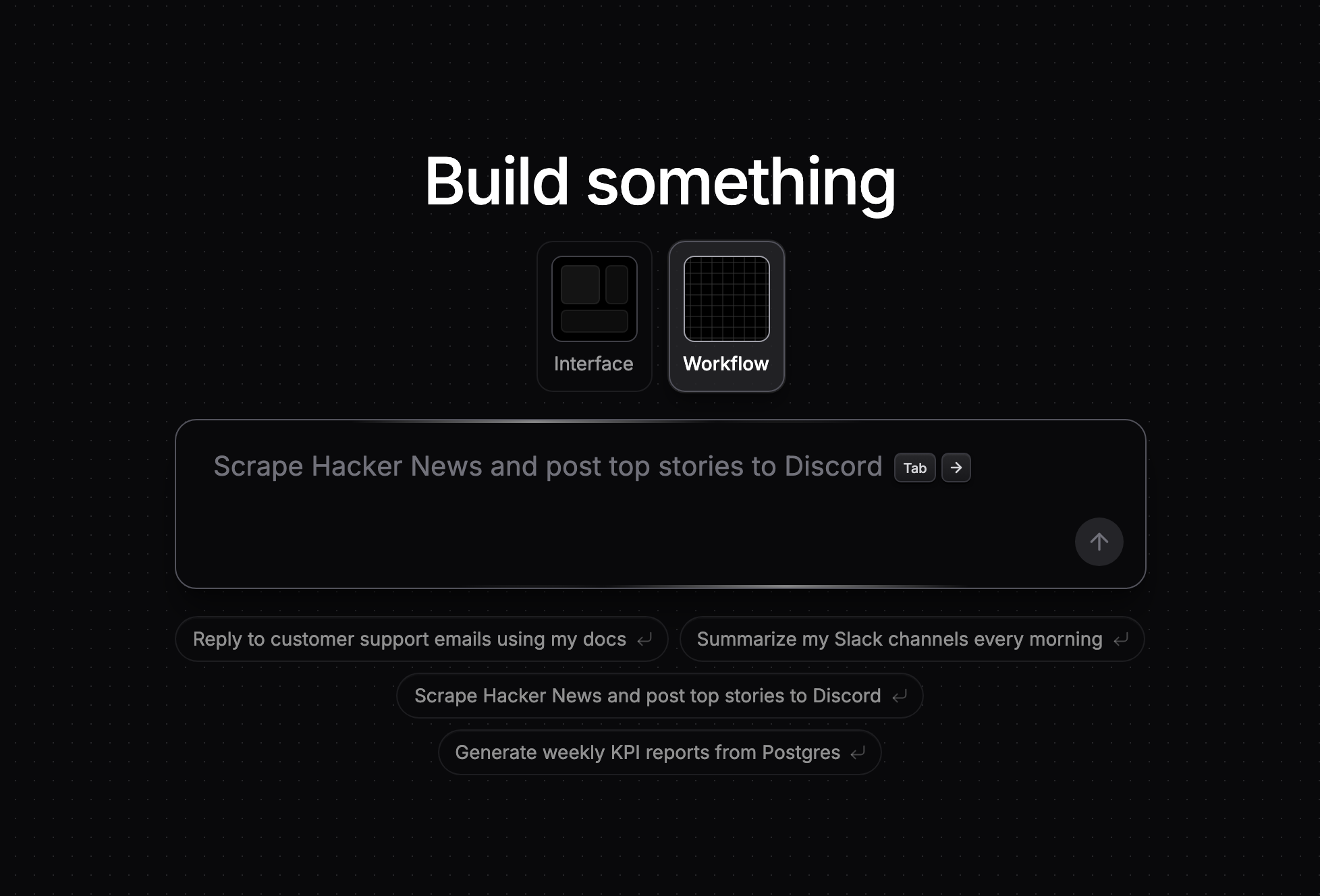
NoClick is a platform for building internal tools, UIs, AI agents, and automations. Describe what you want in plain language and the AI builder assembles it for you, or build it yourself on the visual node canvas.
 ## What you can build
* **Automations** that run on a schedule, a webhook, a form submission, an inbound email, or an event in a connected app.
* **AI agents** that use your integrations as tools, hold threaded conversations on Slack, Telegram, WhatsApp, or email, and wake themselves up on a schedule.
* **Internal tools and apps** with forms, tables, media, and custom React components, published to your own noclick.app subdomain.
* **MCP servers** that expose a workflow's tools to Claude, ChatGPT, or any MCP client.
## How building works
1. **Describe it.** Tell the AI builder what you want. It adds the nodes, wires them, and fills in the configuration, asking you only when it needs an account or a value only you know.
2. **Refine it.** Adjust anything on the canvas: pick operations, connect accounts, reference data between nodes, and test nodes one at a time.
3. **Run it.** Trigger runs manually or automatically, then inspect every run in the logs with full replay.
4. **Share it.** Publish an app, invite collaborators to edit live, or share the workflow as a template.
## Start here
Describe an automation in the chat and run it, in about 5 minutes.
Turn a workflow into a web app and publish it to your own noclick.app subdomain.
## Explore
The AI builder, the workflow editor, triggers, logic nodes, agents, and apps.
Browse the \~60 services NoClick connects to and what each node can do.
Control NoClick from Claude Code, Cursor, or any MCP client, and host your own MCP servers.
Run workflows from your own code with the TypeScript and Python SDKs.
Prompting guidance and troubleshooting for runs, webhooks, and credentials.
What shipped, day by day.
## What you can build
* **Automations** that run on a schedule, a webhook, a form submission, an inbound email, or an event in a connected app.
* **AI agents** that use your integrations as tools, hold threaded conversations on Slack, Telegram, WhatsApp, or email, and wake themselves up on a schedule.
* **Internal tools and apps** with forms, tables, media, and custom React components, published to your own noclick.app subdomain.
* **MCP servers** that expose a workflow's tools to Claude, ChatGPT, or any MCP client.
## How building works
1. **Describe it.** Tell the AI builder what you want. It adds the nodes, wires them, and fills in the configuration, asking you only when it needs an account or a value only you know.
2. **Refine it.** Adjust anything on the canvas: pick operations, connect accounts, reference data between nodes, and test nodes one at a time.
3. **Run it.** Trigger runs manually or automatically, then inspect every run in the logs with full replay.
4. **Share it.** Publish an app, invite collaborators to edit live, or share the workflow as a template.
## Start here
Describe an automation in the chat and run it, in about 5 minutes.
Turn a workflow into a web app and publish it to your own noclick.app subdomain.
## Explore
The AI builder, the workflow editor, triggers, logic nodes, agents, and apps.
Browse the \~60 services NoClick connects to and what each node can do.
Control NoClick from Claude Code, Cursor, or any MCP client, and host your own MCP servers.
Run workflows from your own code with the TypeScript and Python SDKs.
Prompting guidance and troubleshooting for runs, webhooks, and credentials.
What shipped, day by day.