> ## Documentation Index
> Fetch the complete documentation index at: https://docs.noclick.com/llms.txt
> Use this file to discover all available pages before exploring further.
# Models and credits
> The AI builder runs on models managed by NoClick and bills each generation to your credit balance under the AI Builder category.
## What powers the builder
The builder runs on models that NoClick selects and manages. There is nothing to set up: no API keys to provide and no model to pick. This is separate from [AI agent nodes](/agents/models) inside your workflows, where you choose the model (and can even use your own Claude or ChatGPT subscription).
## What it costs
Every message you send to the builder runs a generation, and generations use credits from your plan's monthly budget. The cost scales with the work involved, so a small edit costs less than building a large workflow from scratch.
| Plan | Credits per month |
| ---------- | ------------------ |
| Free | 25 (max 5 per day) |
| Plus | 100 |
| Pro | 100 |
| Enterprise | Unlimited |
Credits are shared across everything that uses them, including workflow runs with NoClick-provided AI. See [Understanding costs](/billing/costs) for the full model and [Plans](/billing/plans) for what each tier includes.
Editing the canvas by hand never uses credits. Only builder generations and credit-billed workflow runs do.
## Tracking builder usage
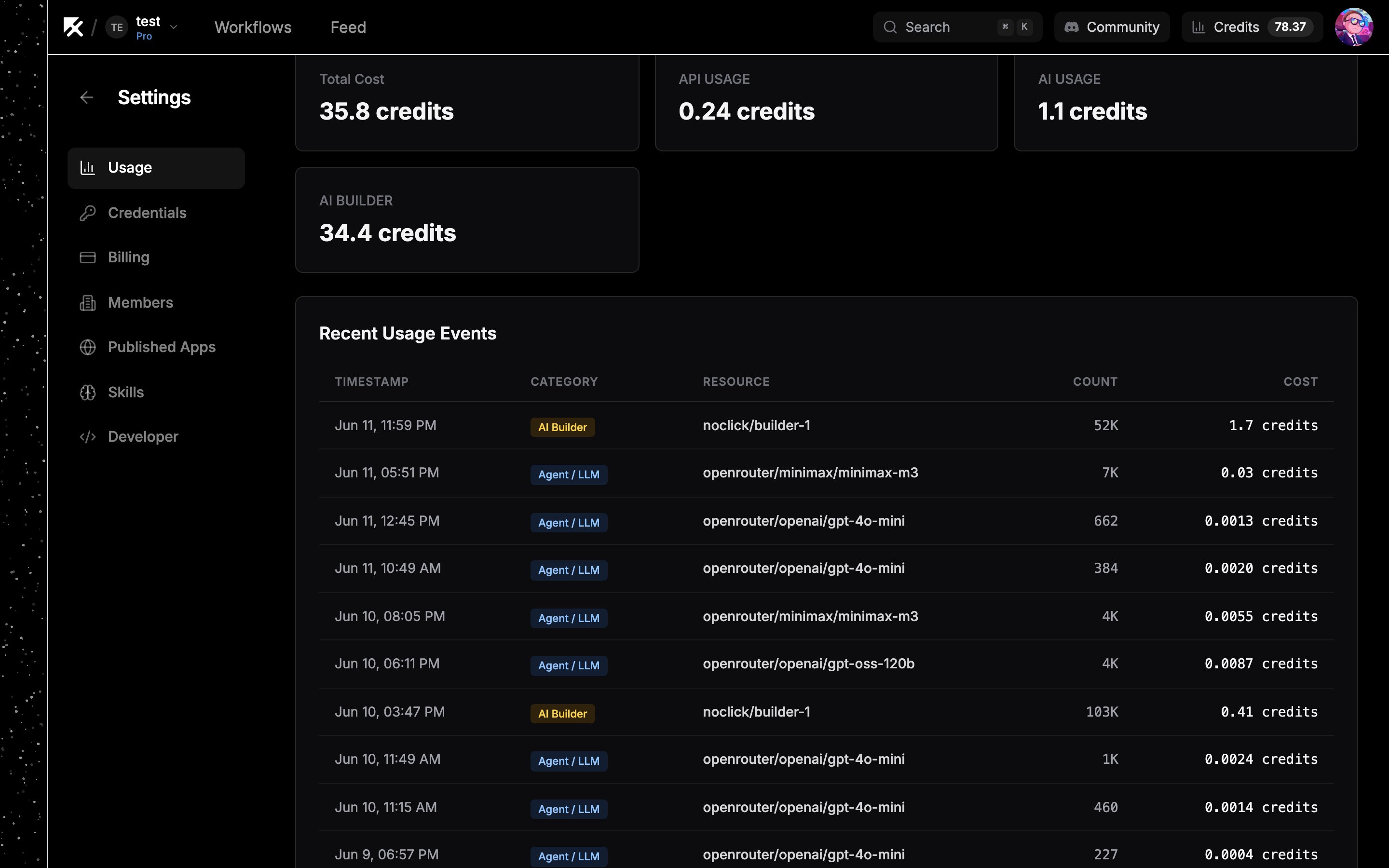
Open **Settings → Usage** to see what the builder has consumed. Builder generations appear under the **AI Builder** category, with charts, a recent events table, and your remaining credits. See the [usage dashboard](/billing/usage-dashboard) for details.